
AnswerPath changelog
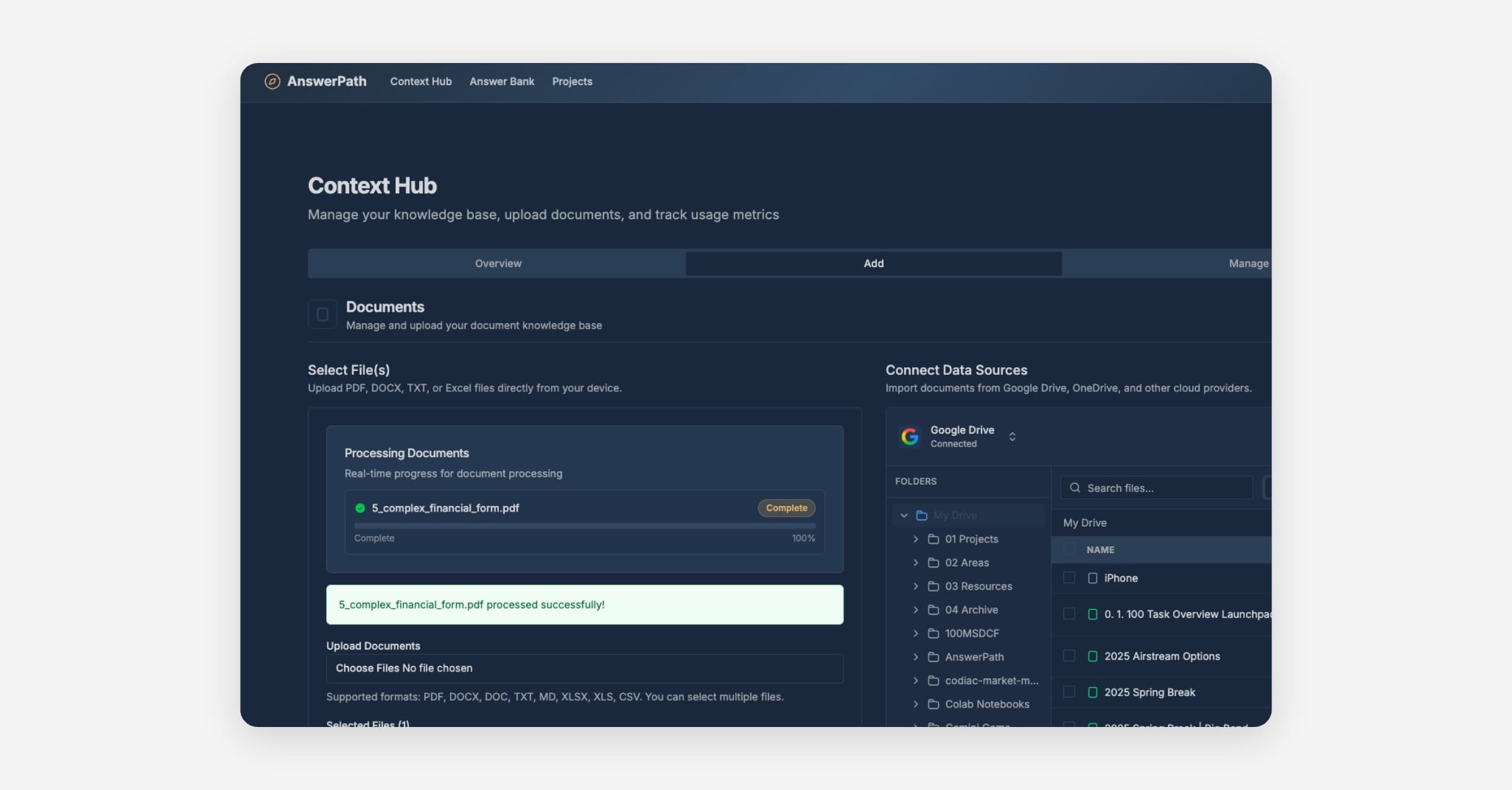
Complex PDF Handling
✨ New Features
Improved Error Reporting When something goes wrong, you'll now see a reference ID (like AP-a1b2c3d4) that you can share with our support team. When we resolve your issue, you'll receive an email notification letting you know it's been fixed.
Better Scanned Document Support We've upgraded our document processing to use AI for reading scanned PDFs. This means better accuracy when extracting text from:
Scanned documents and forms
Financial statements with tables and charts
Documents with diagrams and images
🔧 Improvements
More Reliable PDF Uploads
Fixed issues where some PDF uploads would fail silently
Large documents (100+ pages) now process reliably
Encrypted PDFs from scanners are now handled correctly
Complex financial forms with tables are extracted more accurately
Faster Issue Resolution We've added better tracking to help us identify and fix issues faster. When errors occur, we now have more context to diagnose and resolve problems quickly.
🐛 Bug Fixes
Fixed "Document processing failed" errors on scanned PDFs
Fixed timeout errors when processing large documents
Fixed table and image extraction from complex PDFs
Fixed errors when uploading PDFs with security flags